




Presentation
Formats.
A presentation format in Visual Communication Design is a structure for realising a design solution. This is the last stage of VCD, the delivery of a final design. Presentation formats are ways designers present solutions that satisfy the needs of target audiences or users. There are many different kinds of two, three-dimensional and virtual presentation formats, ranging from a technical drawing, a rendered illustration, a flyer, a map and a model to a storyboard to represent the function of a mobile device app. This page explains presentation formats and their role in Visual Communication Design.
Takeaways

Good to go
Presentation formats
VCD Presentation Formats are structured methods for organising and presenting final design solutions that satisfy client needs and target audience requirements. These formats range from simple single-component presentations, such as rendered drawings or logos, to complex multi-component presentations that include mock-ups, technical drawings, style guides, and various two-dimensional, three-dimensional, and virtual formats.
- Final stage of the design process
Presentation formats are the culmination of your design work. This is where you prove that your design meets the brief's requirements and shows mastery of design elements, principles, materials, methods, and technical conventions that make your work professional and effective. - Mock-ups vs. functional prototypes
In VCD, you create mock-ups (representations of designs) rather than fully functional prototypes. For example, a printed brochure, folded package design, or limited-functionality website that gives viewers the experience of your design without being a complete working product. - Formats serve different purposes
Different presentation formats serve different communication needs; from simple logos and brochures for messages, to interactive app designs and websites for user experiences, to technical drawings and 3D models for objects and environments. Choosing the right format depends on your design's purpose, context, and how your audience will interact with or use the final product. - Progression from simple to complex
As you progress through the school years, your presentation formats evolve from simple, single-design presentations to sophisticated, multi-component displays that may include logos in context, style guides, technical specifications, and various views or applications of your design.
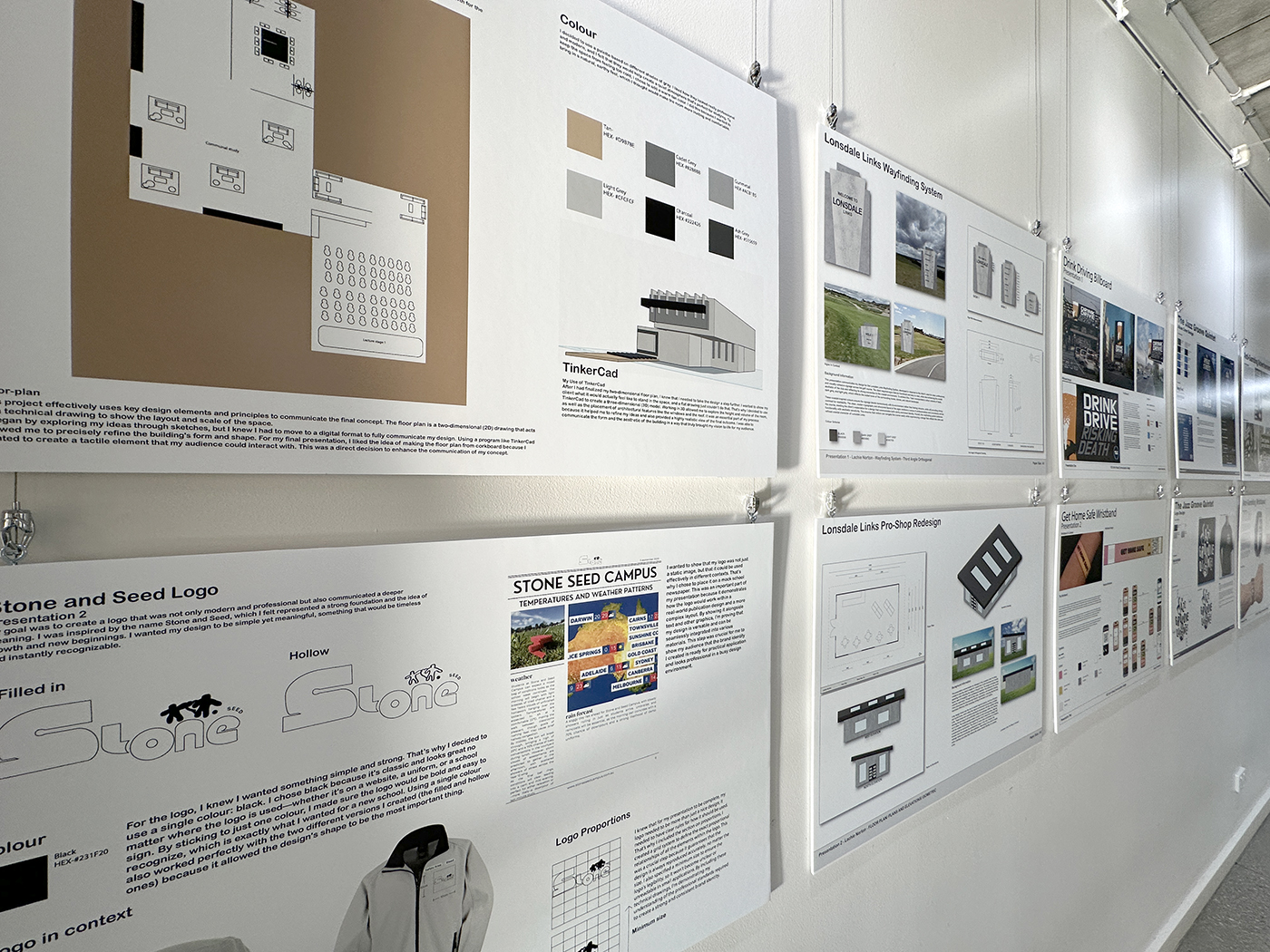
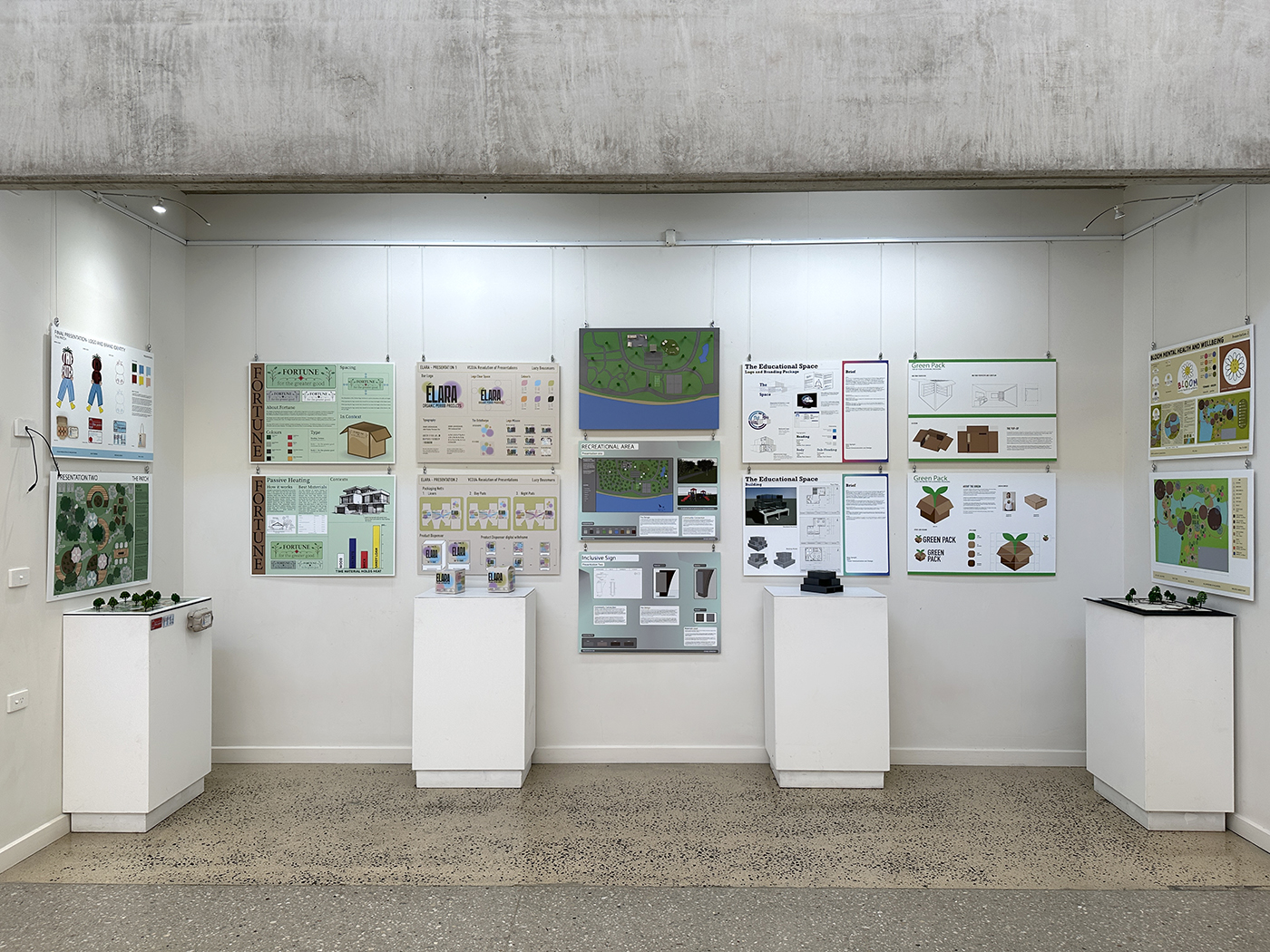
Two walls showing final presentations of design solutions for the Year 12 SAT. Great work, well worth it.

Introduction
Purposes for presentation Drawings and formats
The purpose of Presentation formats is to organise and structure one or more presentation drawings for a Design Critique, Pitch or Final Presentation of a design solution. Presentation drawings in Visual Communication Design can be made at different stages of the Design Process. Students may be asked to present their ideas or design concepts for a Design Critique. In Unit 4 students are required to present design concepts to their class in a Pitch. Presentation drawings made during the design process include low-fi prototypes and printed materials. Presentation formats made at the end of the Delivery phase include high-fi prototypes.
Final presentations are the realisation of the Design Process. They are the endpoint for students and the means for them to demonstrate their skill in satisfying a brief; its constraints include the purpose, context, functional and aesthetic considerations and the application of Design Elements and Principles, materials, methods and media, relevant technical and/ or stylistic conventions and technical processes.
Simple vs complex final presentations
Presentation formats made at Junior and Middle secondary school are typically composed of a single design or presentation drawing. A rendered isometric drawing or a logo printed on paper are examples of simple presentations. As students progress through Senior secondary towards VCE, their presentation formats will become more complex and grow to involve multiple components. A branding presentation, for example, may include logos in context, a style guide, typography and colour usage information on a large format sheet. Final presentation formats for senior students working in the fields of Objects or Environmental design may also be multi-sheet presentations that include two and three-dimensional illustrations, technical drawings or models. Students in Units 3 and 4 also need to be aware of the correct ways to label their presentations.
Making a mock-up
Students are not required to make functional prototypes in Visual Communication Design. This means that if they are designing a machine, they are not required to build a working device. However, students are required to communicate their design ideas effectively. A mock-up is a representation of a design. A mock-up can be a digital print of a brochure or poster, a three-dimensional print of an Object design, a printed and folded package design, large format printed plans and elevations of environmental design or a partially operational website with limited functionality. The purpose of a mock-up is to provide the viewer (the client or assessor) with the experience of seeing, reading, holding or using the student’s design. As such, the student is expected to use selected Design Elements and Principles of design, choose and apply methods, and media and use or indicate materials that would be used in the real functioning design. The mock-up will also reveal the student’s application of technical, stylistic and typographic conventions and ways to engage audiences or users. Finally, when students prepare print mock-ups they will be expected to demonstrate competence in pre-press techniques including image size and file management. All of these factors demonstrate the student’s use of visual language, which is paramount in visual communication.
Presentation format
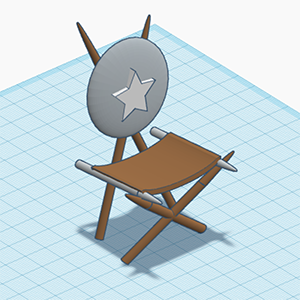
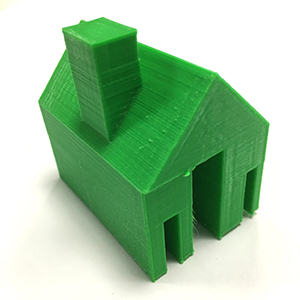
Presentations can be made in a variety of formats. These include two and three-dimensional structures such as; mock-ups, packages, models, brochures, posters, etc., drawings, photographs, videos and screen-based presentations including virtual walk-throughs, websites, animatics and information displays.
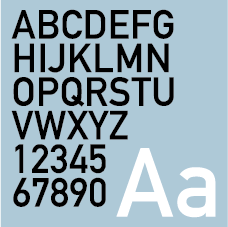
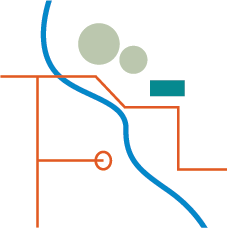
Simplified graphics to depict a range of presentation formats are shown below.
Examples of presentation formats
Messages





Uniform design





Interactive experiences



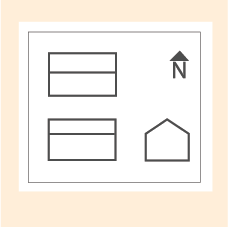
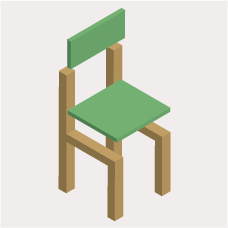
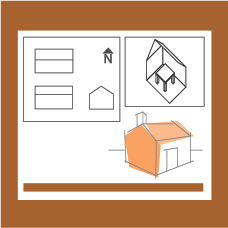
Objects and environments
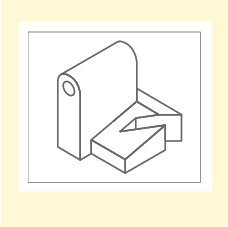
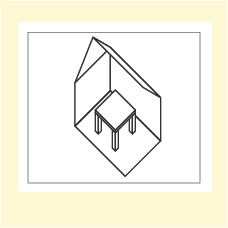
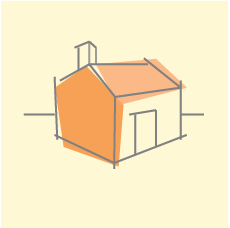
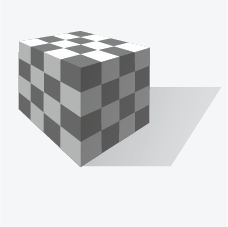
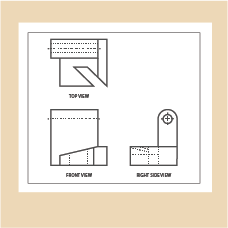
3rd Angle Orthogonal Drawing

Examples of final presentations

Food illustration, Vivian Phan.

Soft drink label presentation, Deborah Nguyen.
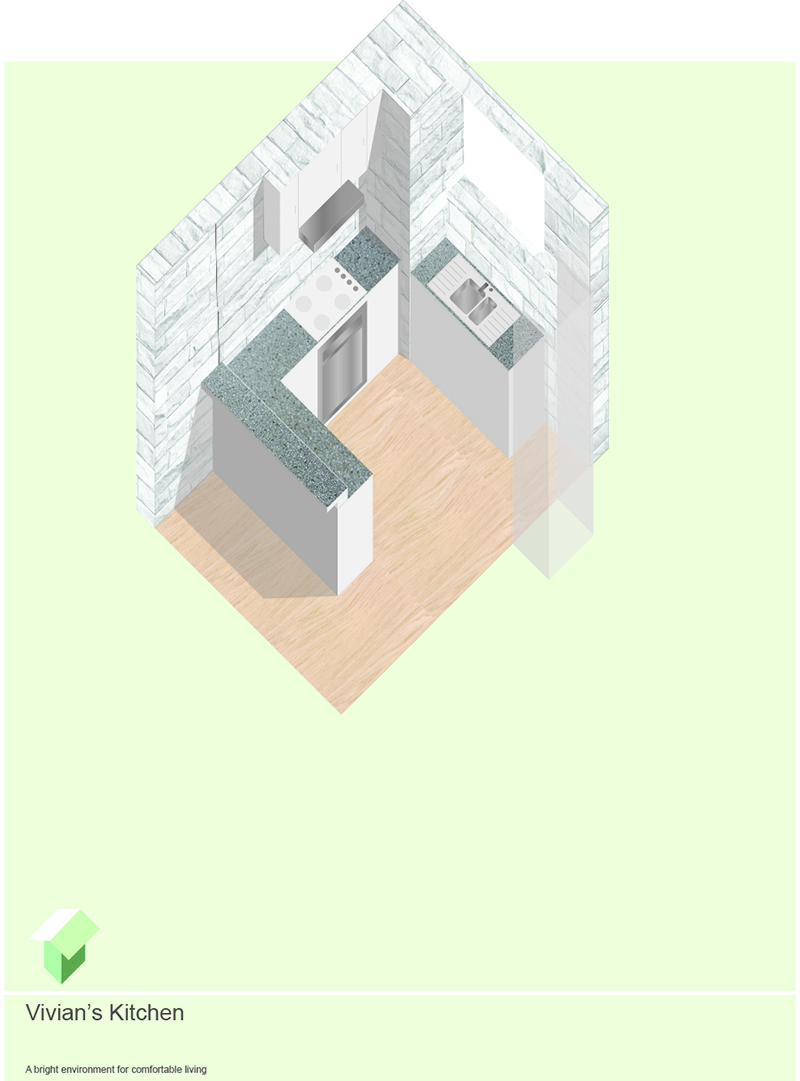
Kitchen planometric interior rendering, Alena Nguyen.
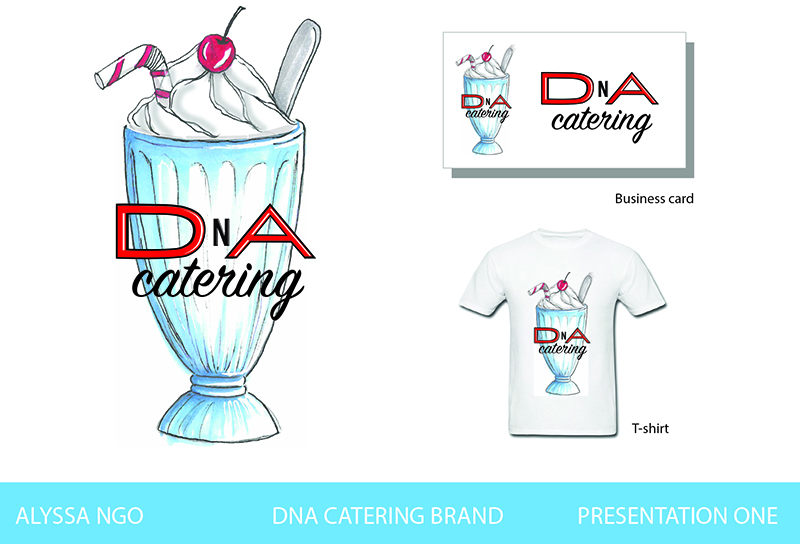
Cafe branding presentation, Alyssa Ngo.
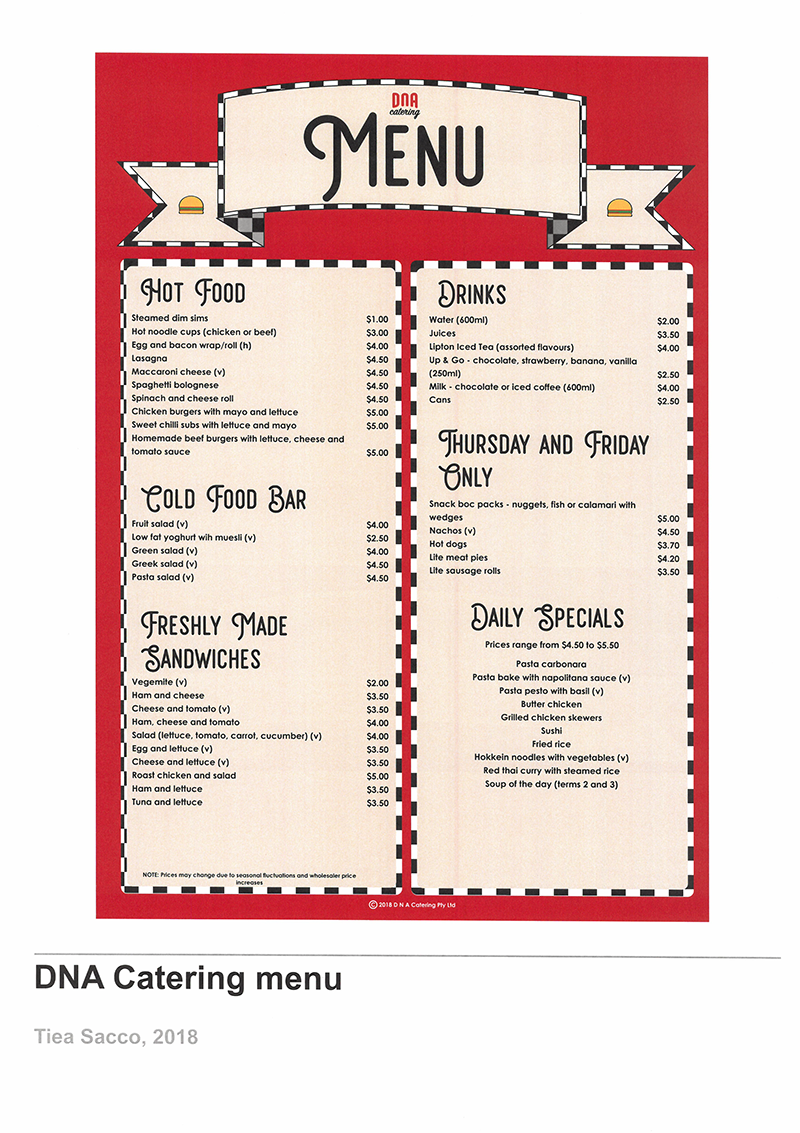
Cafe menu, Tiea Sacco.

Poster and game cover designs, Navishka Fernando.
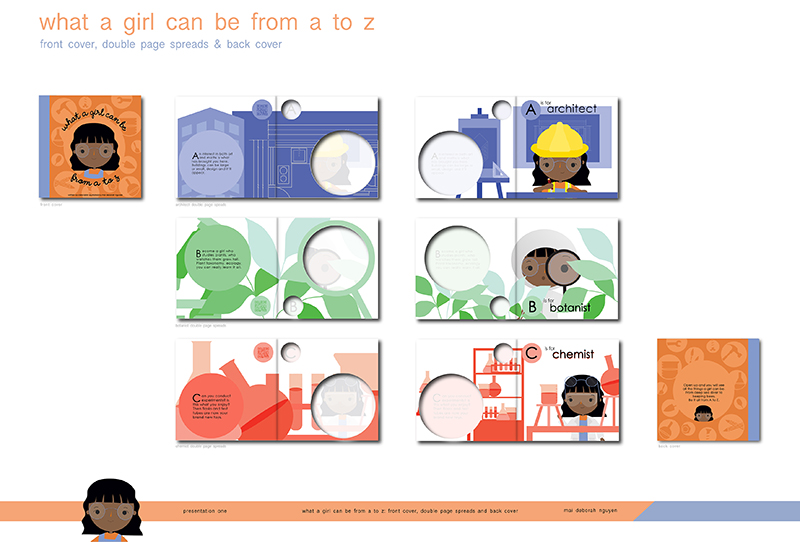
Book spread design, Deborah Nguyen.
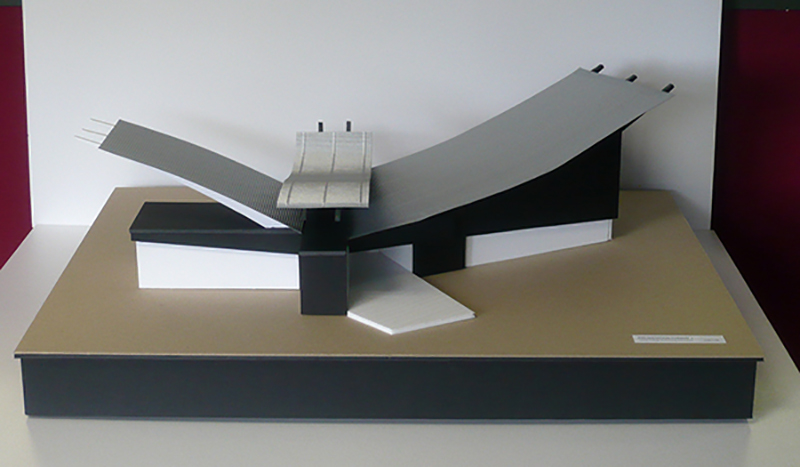
Performing Arts Centre model, Kieran Roberts.
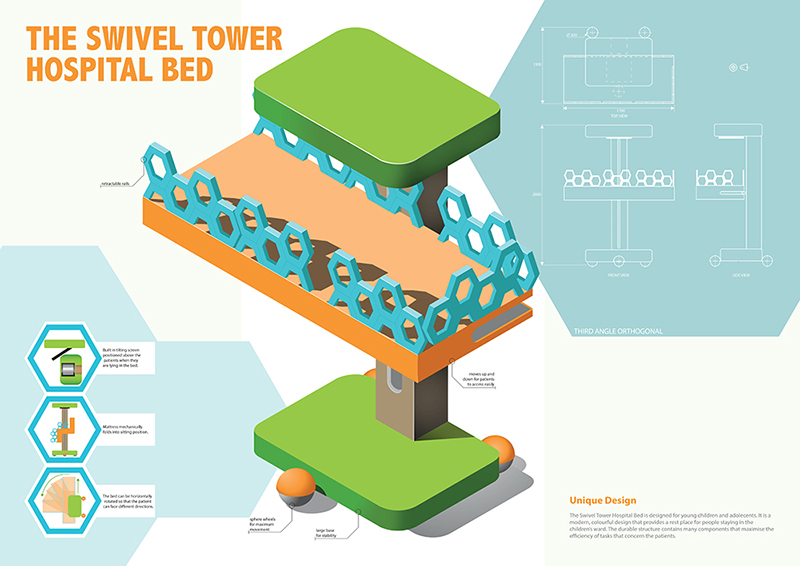
Hospital bed design, Tori Salvaggio.
task

Show I know ...
1.1 Understand presentation formats
1.2 alternative presentation format
Imagine you were in charge of an advertising campaign for an environmentally sustainable water bottle for high school students. Discuss three presentation formats that might be suitable for use in this campaign.
1.3 environmental design
Imagine you are an environmental designer. You have been asked to design a coastal holiday shack for a client. Discuss three possible presentation formats you could use to present your concept to the client.